Rollouts
A rollout distributes a clone image to a set of clients on a schedule. Use it to install a baseline on new devices, push updates to already-provisioned clients, roll out in waves (pilot group first, production after) or roll back to an older version.
Overview
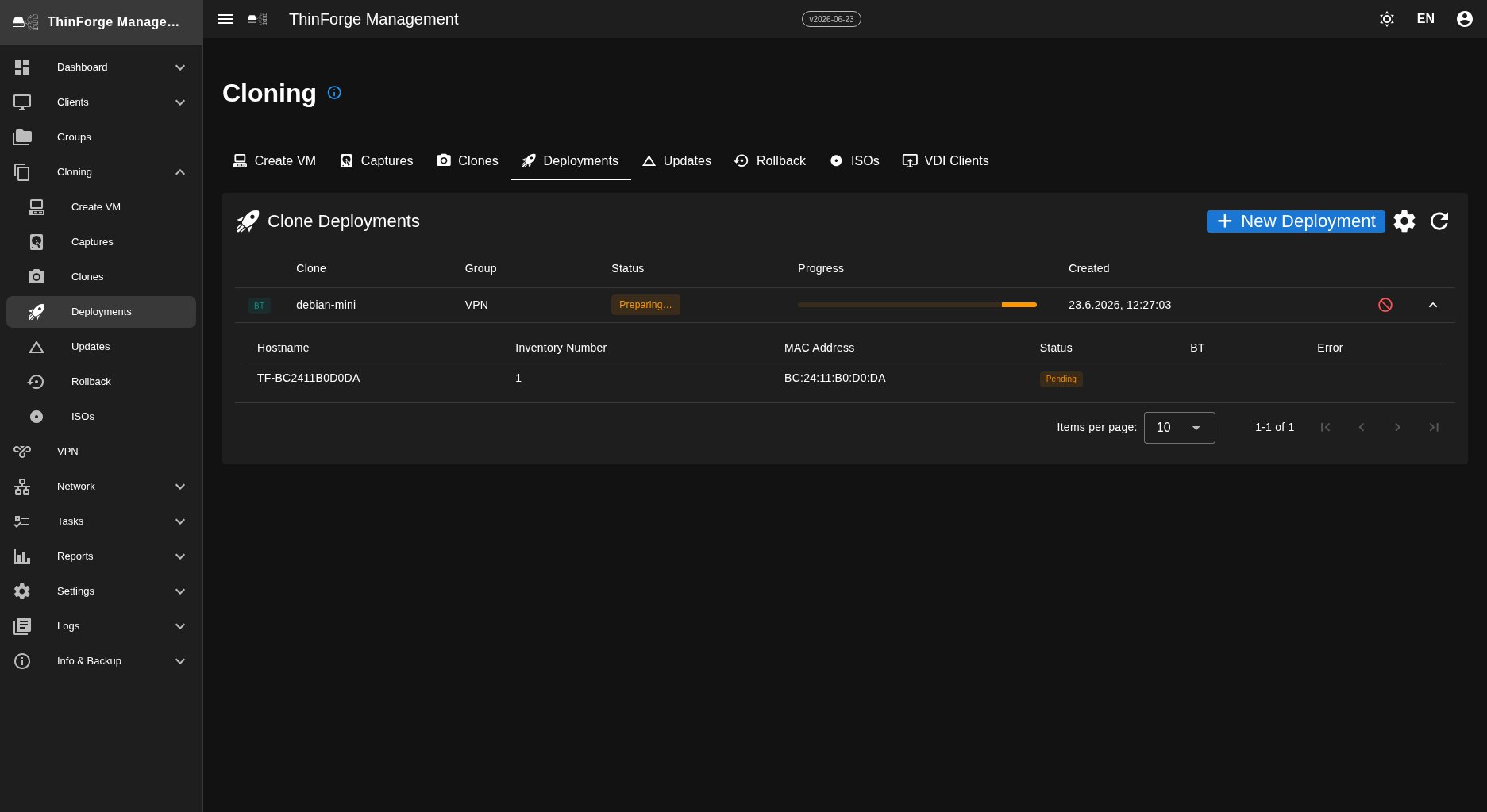
The Rollouts menu lists all running, scheduled and completed rollouts in a table — with status, name, target (group or client list), image version, method, progress (X / Y clients done) and start time. Clicking a row opens the detail page.
Creating a rollout
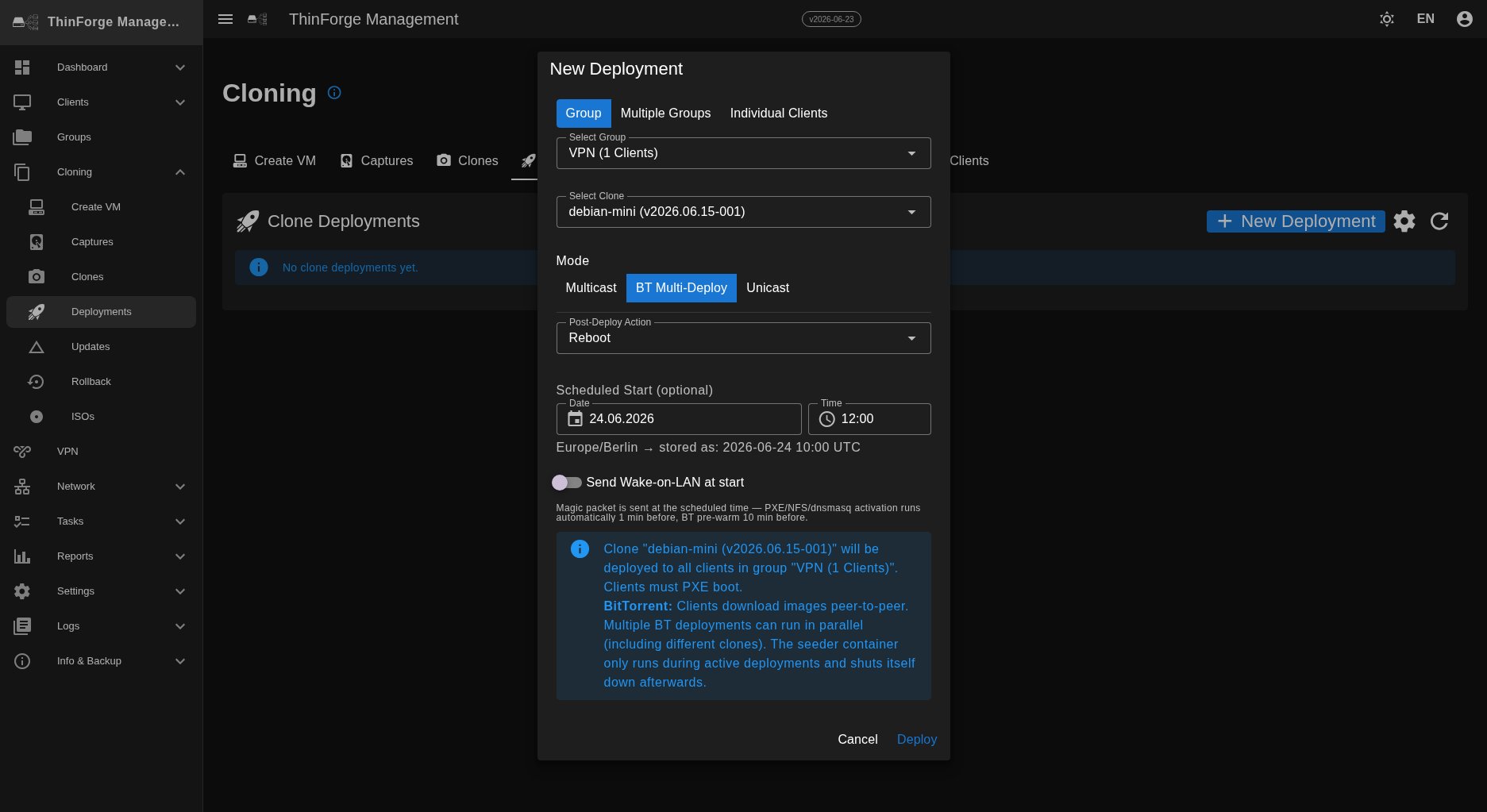
Use "+ New rollout" at the top right. The dialog walks you through four steps:
- Basics — name (e.g.
2026-04-15 security patch Branch North) and description. - Target — a group (only its directly assigned clients) or a freely picked client list.
- Image + method — choose a clone from the version tree and pick the distribution method.
- Schedule — start now, schedule for a date/time (e.g. 23:00), or save as a draft and start later by hand.
Distribution methods
- Unicast — each client downloads directly from the server. Simple and always available; with more than around 50 clients on the same LAN the server uplink becomes the bottleneck.
- Multicast — the server streams the image once and all clients receive it in parallel. Ideal for large rollouts in the same subnet, but LAN only.
- BitTorrent — clients share bandwidth among themselves. Good for many clients on the same LAN. Only one BitTorrent rollout runs at a time.
| Unicast | Multicast | BitTorrent | |
|---|---|---|---|
| Network | LAN only | LAN only | LAN only |
| Scale | ~50 clients | hundreds | hundreds |
| Parallel rollouts | yes | yes (per subnet) | no |
| Missing clients | no problem | must boot at the right moment | can join later |
Delta updates
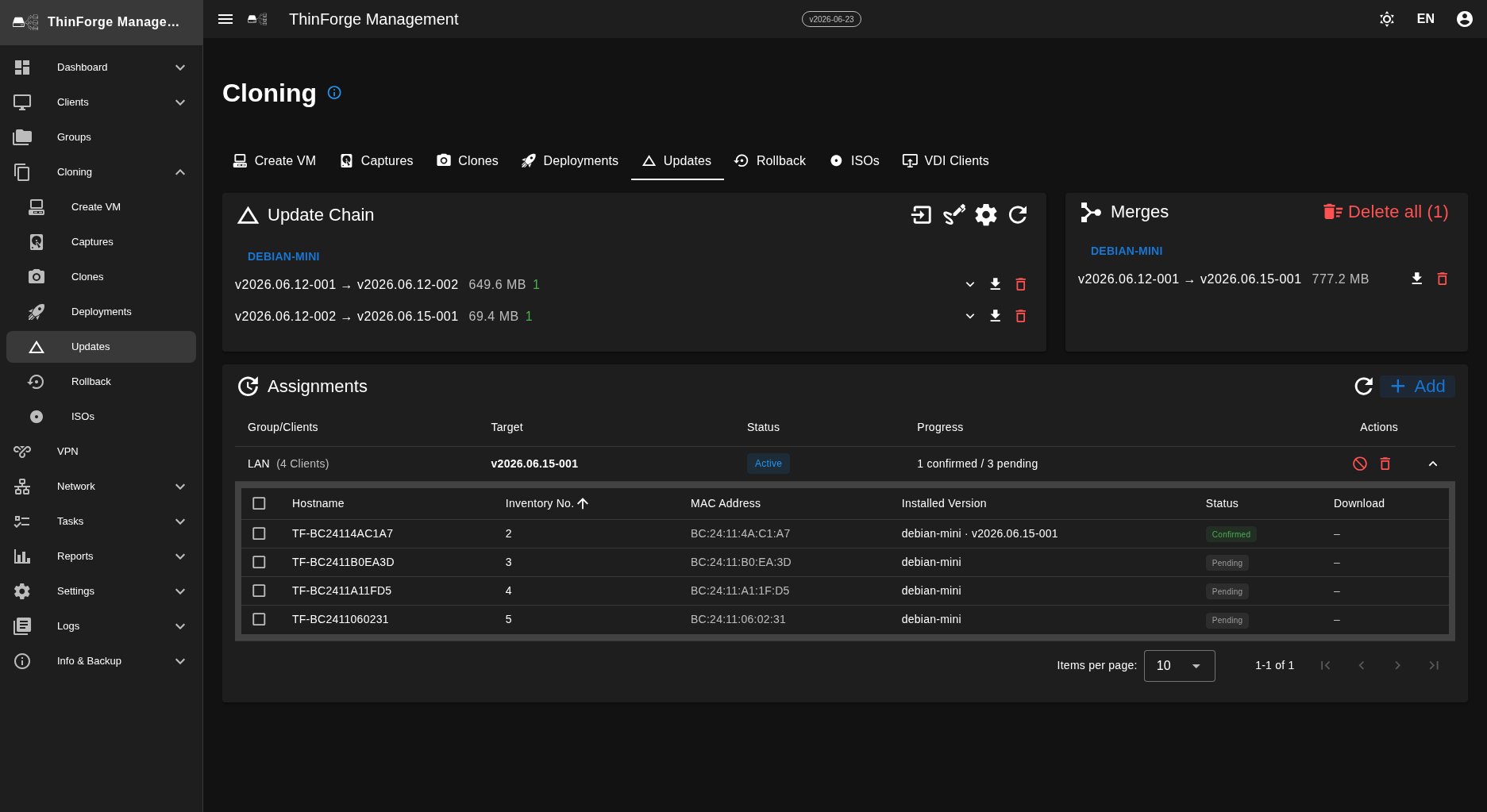
While the three distribution methods roll out full clone images on the LAN, the Updates tab distributes only the differences between two versions. The update chain shows the deltas from version to version, long chains can be combined into a merge, and the assignments decide which groups or clients receive a delta. Delta updates are the only update path that also works over the VPN — so devices in home offices or branch sites receive changes as a delta rather than a full re-clone.
Detail page and actions
The detail page shows status and progress, every client with its own status (pending, deploying, done, failed, cancelled), the live logs for the rollout and a timeline of events. From the header bar you control the rollout:
- Cancel — ends the rollout. Clients already deployed stay on the new version; running installations are interrupted (manual reboot recommended).
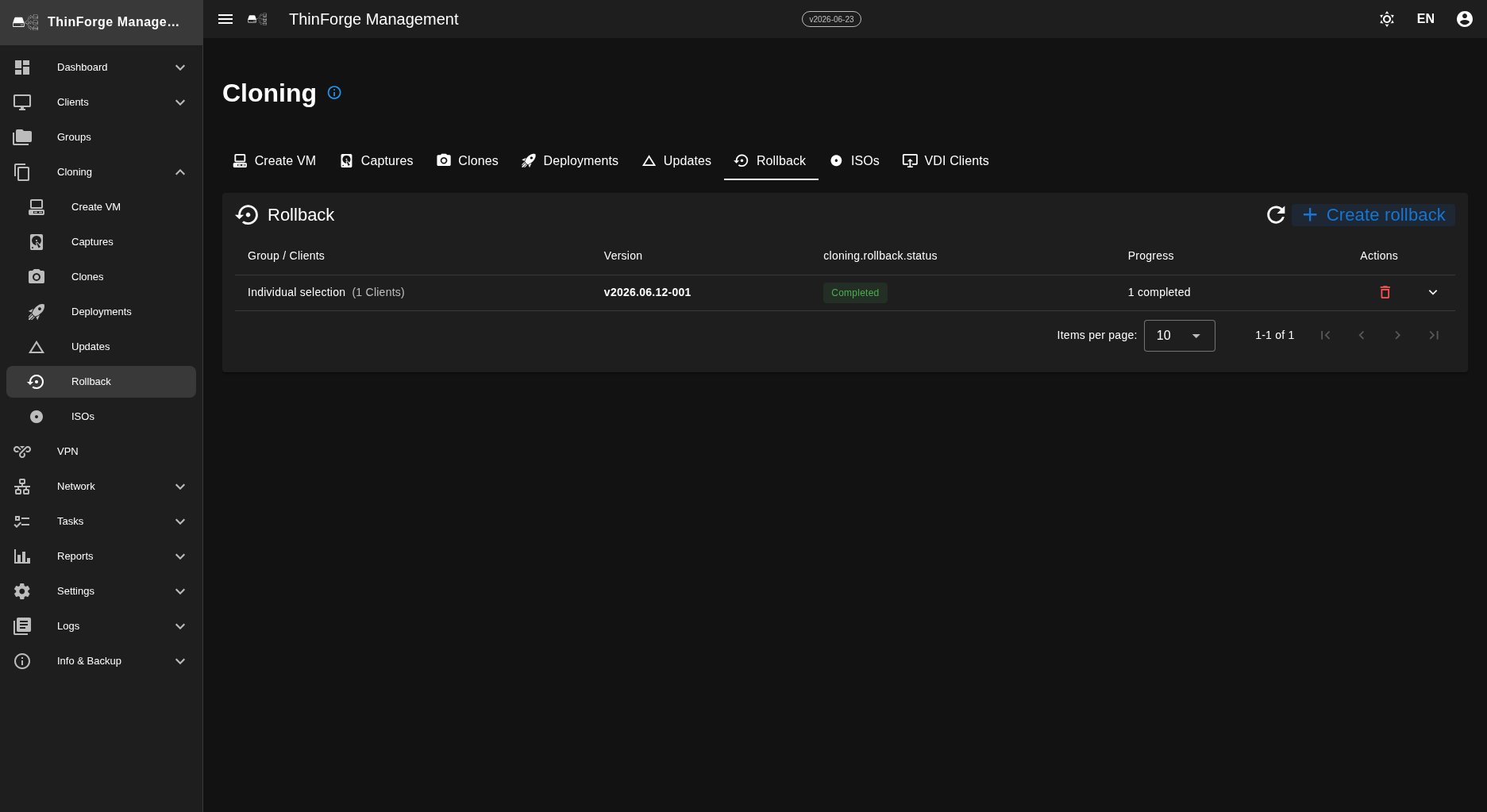
- Rollback — sends all clients already updated by this rollout back to the previous version and creates a reverse rollout for that.
Progress and troubleshooting
- Clients stuck deploying → most likely a network issue (a firewall blocking the download or a service unreachable). Check the services on the Dashboard and the Tasks & Logs.
- Failed clients → a click on the client opens its history with the error message (commonly: disk too small, wrong partition table). Fix it and re-roll the client via a single-client rollout.
- Reach only a subset → choose a client list instead of a group, or create a temporary wave group.